Locations
Unlock the potential of diverse recruitment strategies with SeeMeHired's groundbreaking Locations feature. Say goodbye to limitations and embrace boundless possibilities as you effortlessly manage unlimited locations, each tailored to meet your specific branding and operational needs.
Let's Talk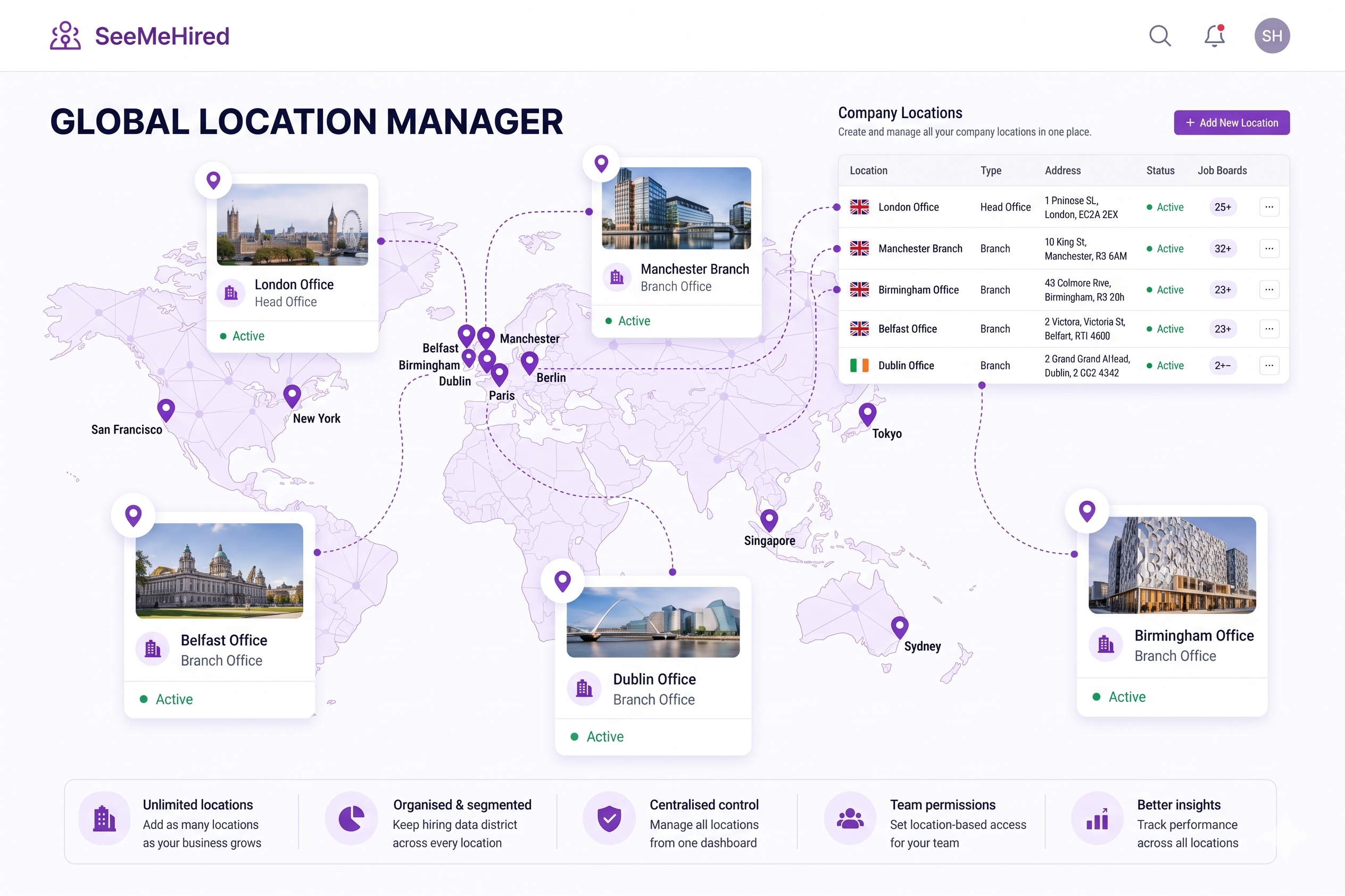
Multi-Site Management
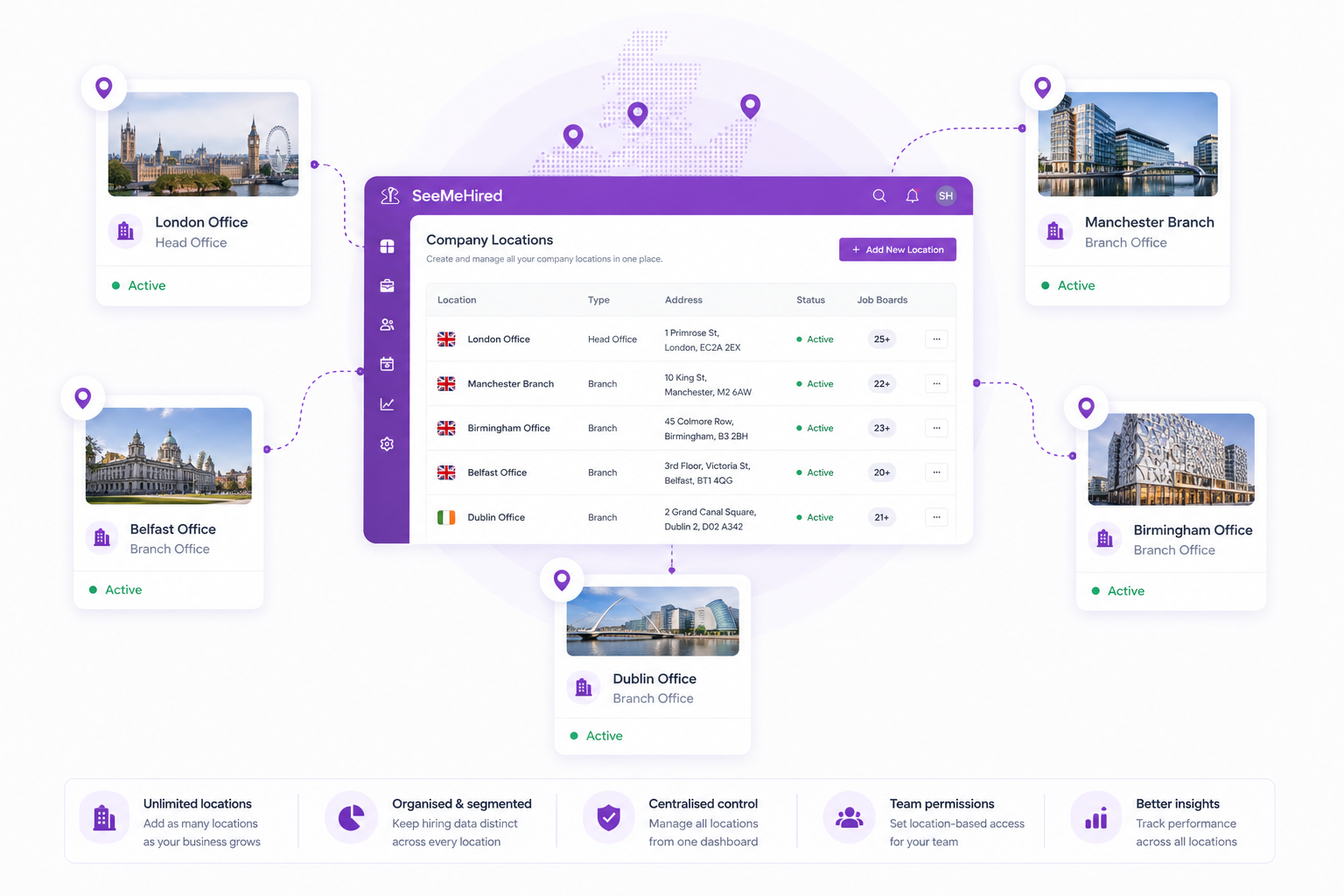
Organise your recruitment effortlessly, no matter how many branches you operate.
SeeMeHired allows you to create and manage an unlimited number of company locations within the platform.
This ensures your hiring data remains perfectly segmented, making it ideal for large enterprises or multi-site franchises.
Targeted Job Board
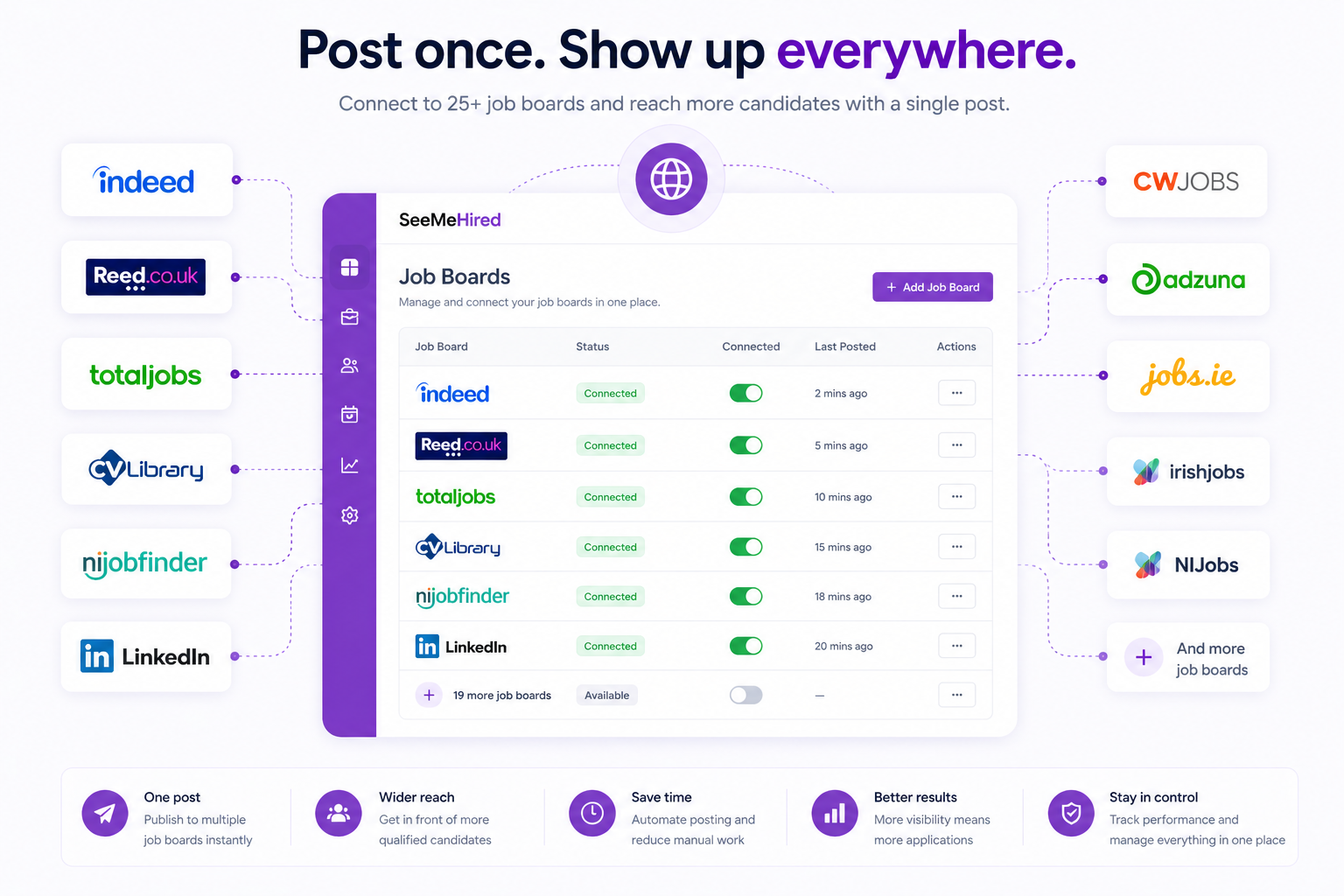
Ensure your adverts hit the right local market. The platform allows you to configure specific job board integrations on a per-location basis.
By toggling specific boards for specific branches, you guarantee that your vacancies are only published to the regional channels most relevant to that area.
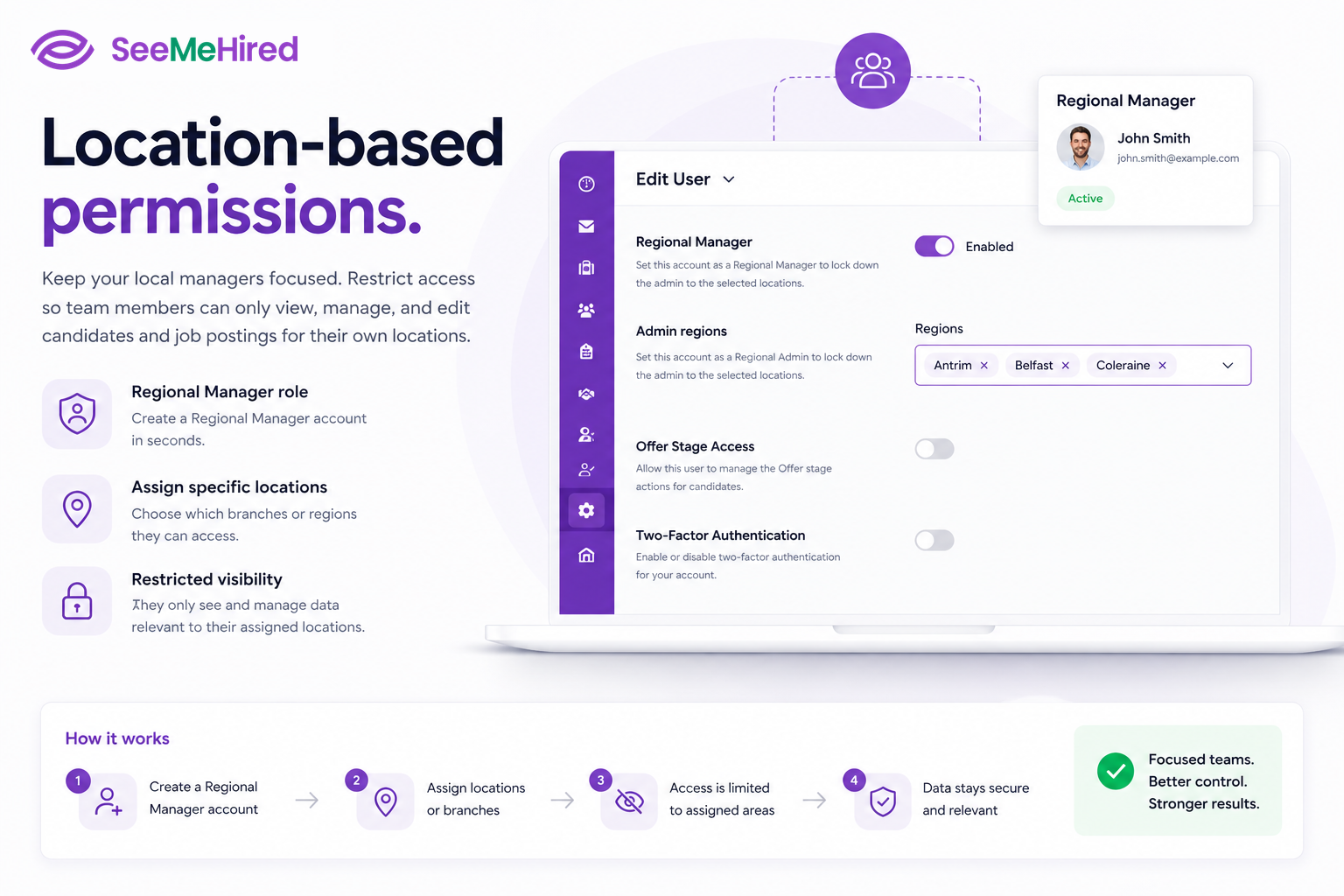
Location-Based Permissions
Keep your local managers focused. By utilising the Regional Manager role, system administrators can assign specific locations to individual team members.
This restricts their administrative visibility so they can only view, manage, and edit candidates and job postings relevant to their own dedicated branches.
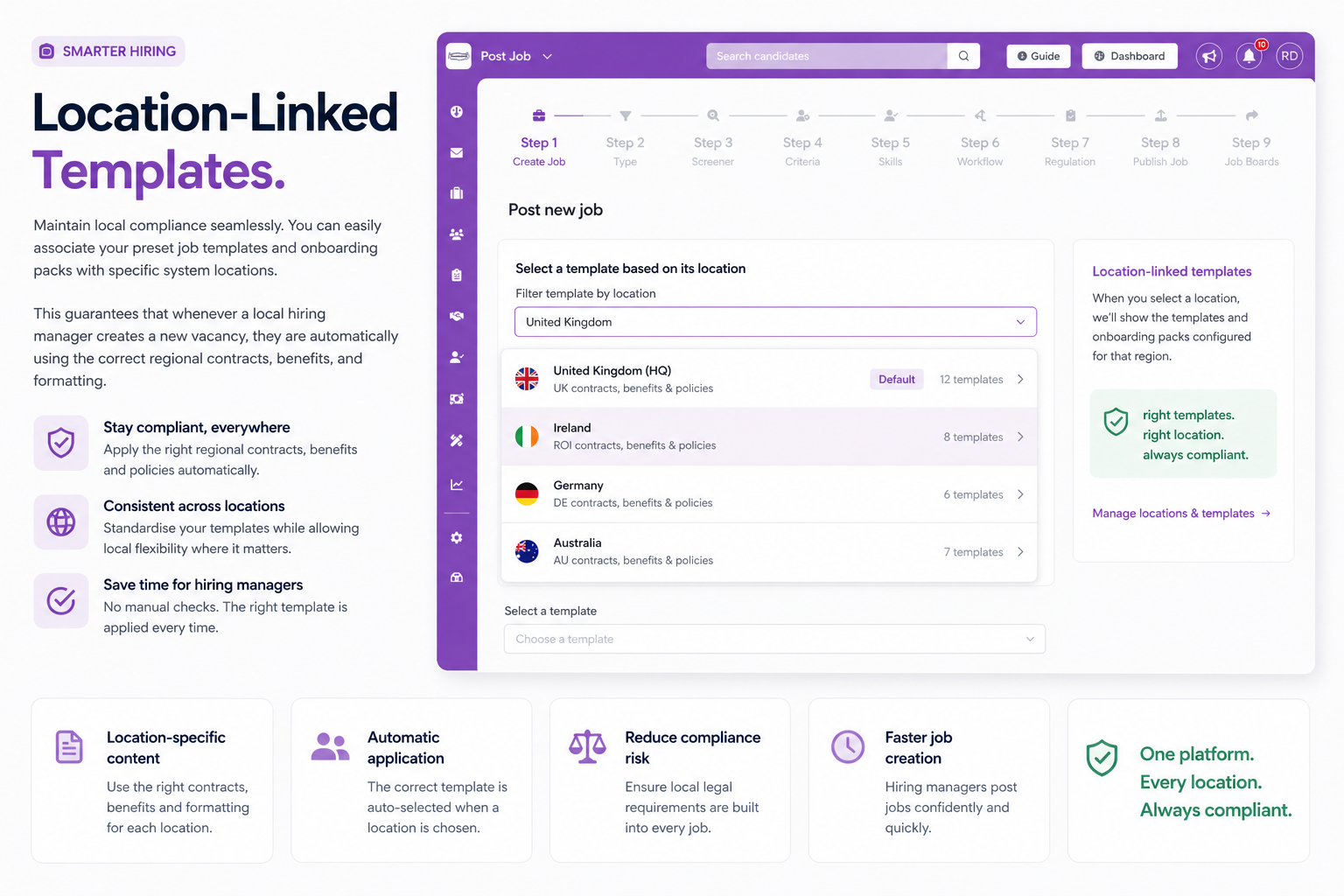
Location-Linked Templates
Maintain local compliance seamlessly. You can easily associate your preset job templates and onboarding packs with specific system locations.
This guarantees that whenever a local hiring manager creates a new vacancy, they are automatically using the correct regional contracts, benefits, and formatting.