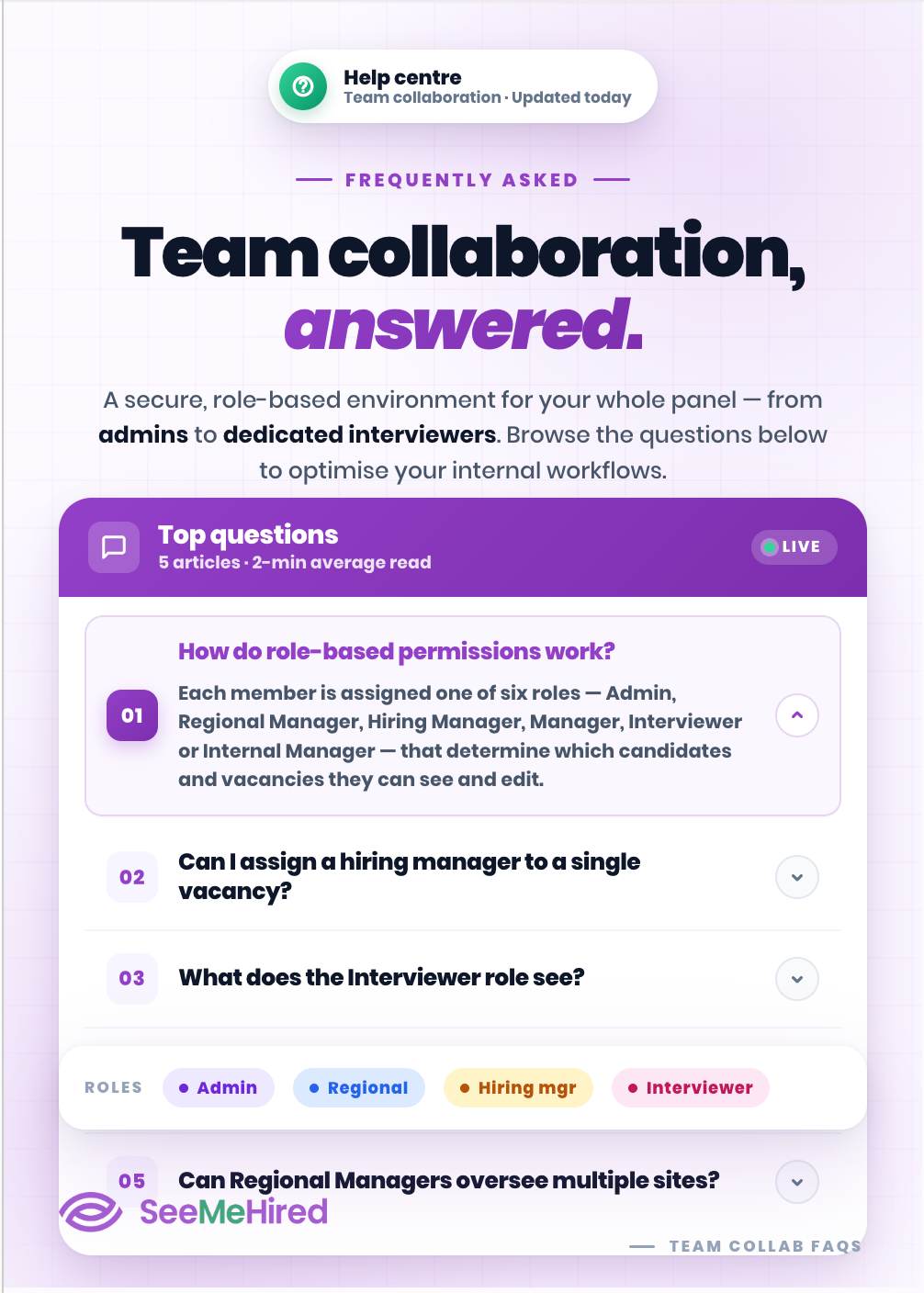
Team Collaboration
Keep your recruitment team connected at every stage of the hiring process. With simple collaboration tools, your team can share feedback, review candidates and make decisions together, helping you move faster while keeping everyone aligned.
Let's Talk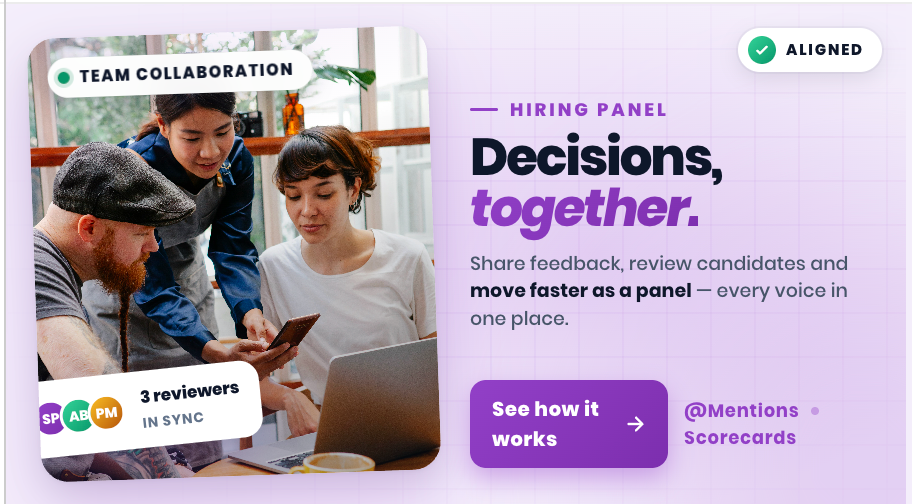
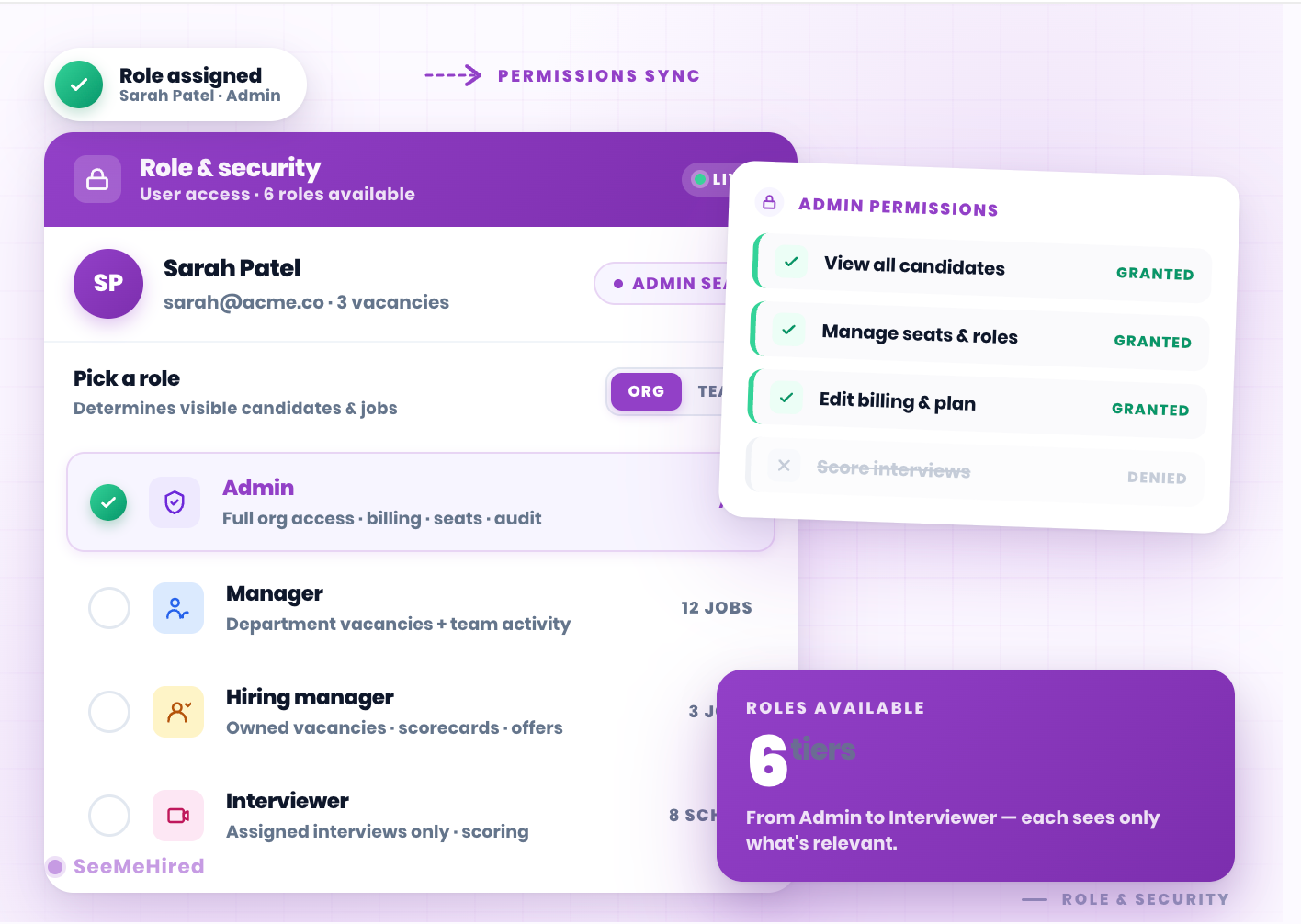
Role-Based Access Control
Tailor your recruitment platform to your organisation's unique hierarchy. SeeMeHired provides distinct role-based permissions—including Admins, Managers, and Interviewers—ensuring team members only see the candidates and jobs relevant to them.
Keep your candidate data secure while empowering everyone to collaborate effectively without overlapping access or overwhelming dashboards.
Hiring Manager Visibility
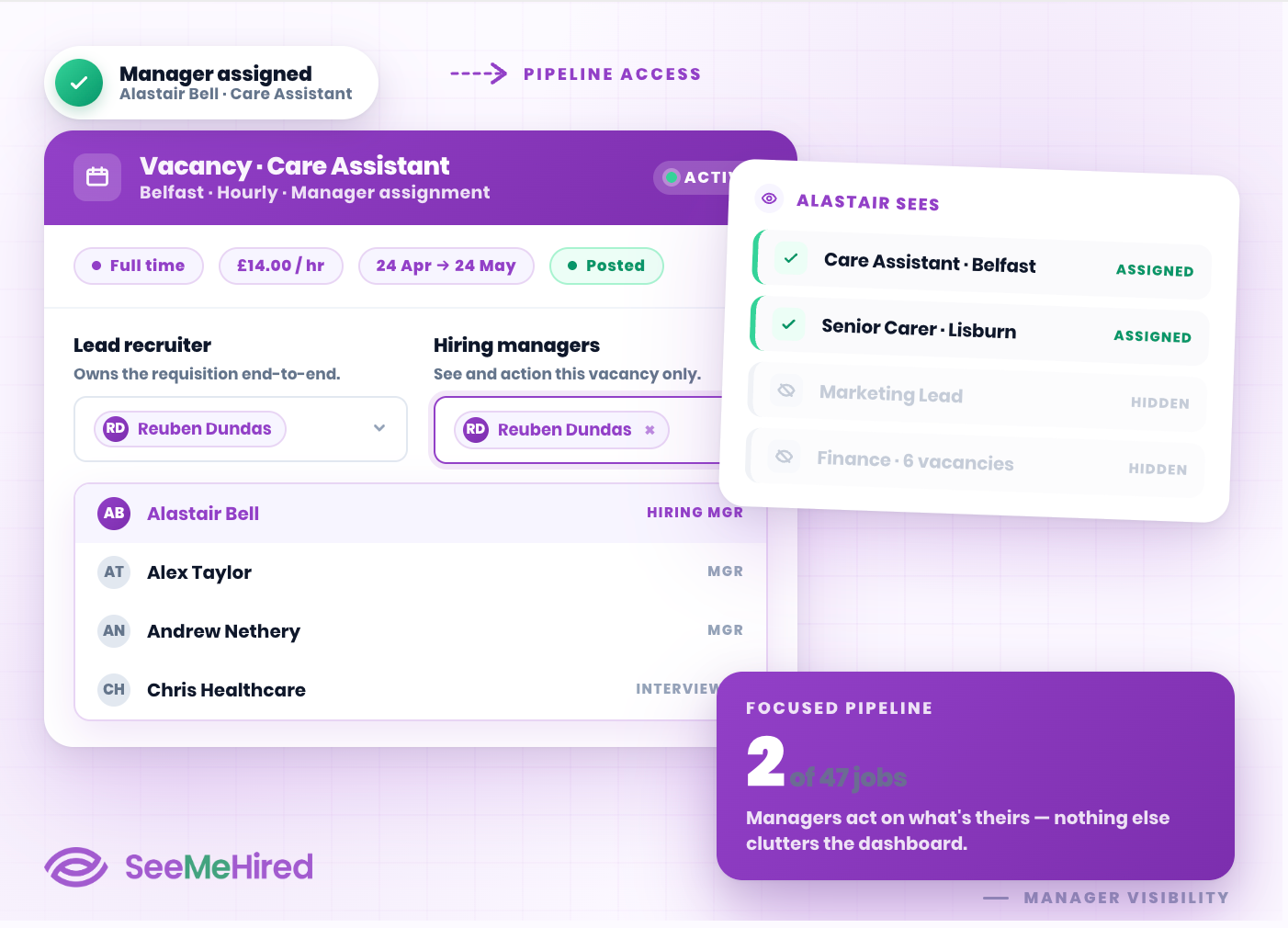
Empower your hiring managers to take charge of their own recruitment pipelines.
By assigning them directly to specific job roles, they gain focused visibility to review applications, move candidates through stages, and conduct interviews effortlessly.
This targeted approach keeps your managers engaged while preventing accidental edits to other departmental campaigns.
Dedicated Interviewer Access
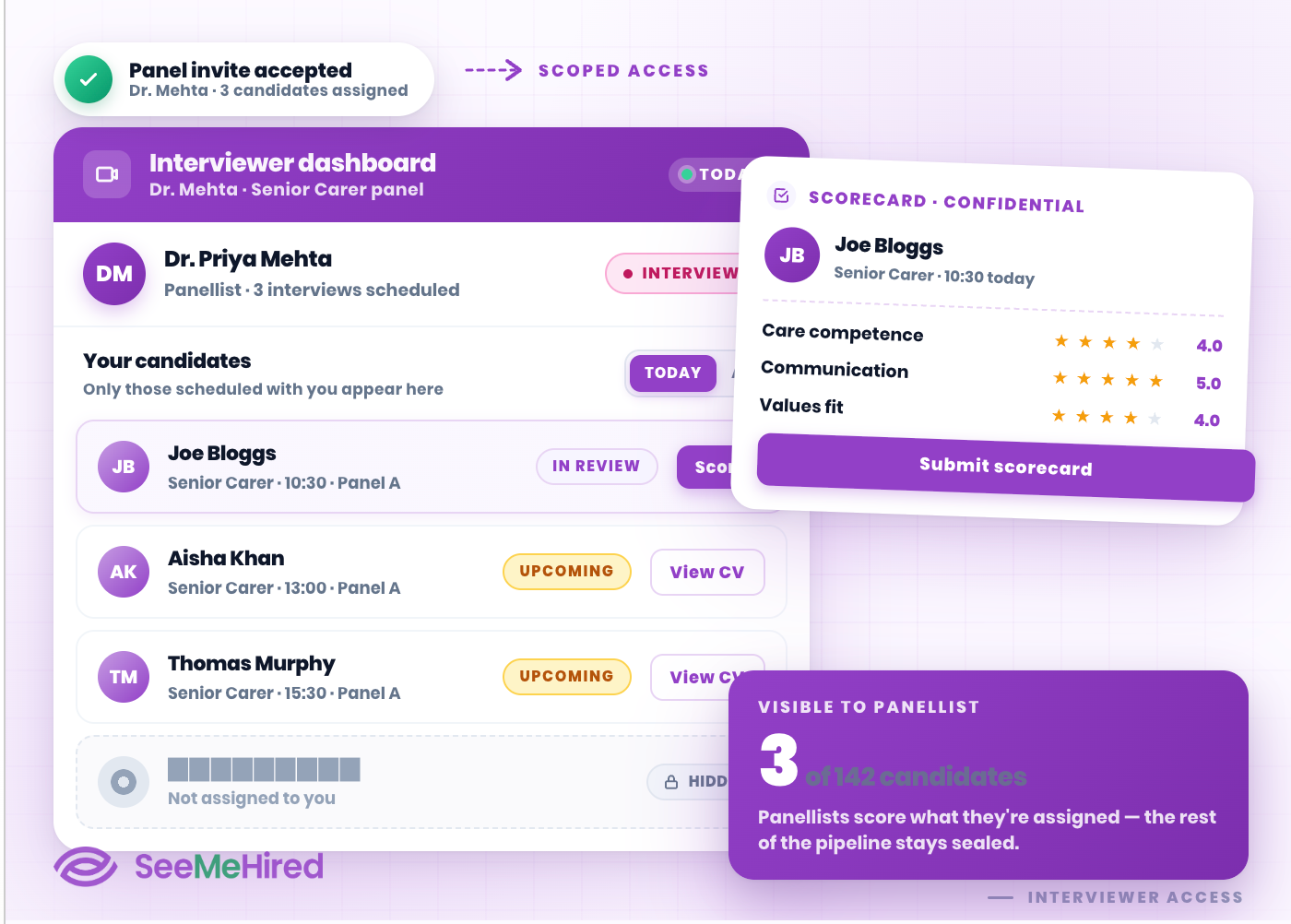
Bring panel members into the process without giving away the keys to the system.
The dedicated Interviewer role restricts access so users only see the candidates they are scheduled to assess.
This protects sensitive pipeline information while allowing panellists to review CVs and complete scorecards securely.
Internal Notes and Sharing
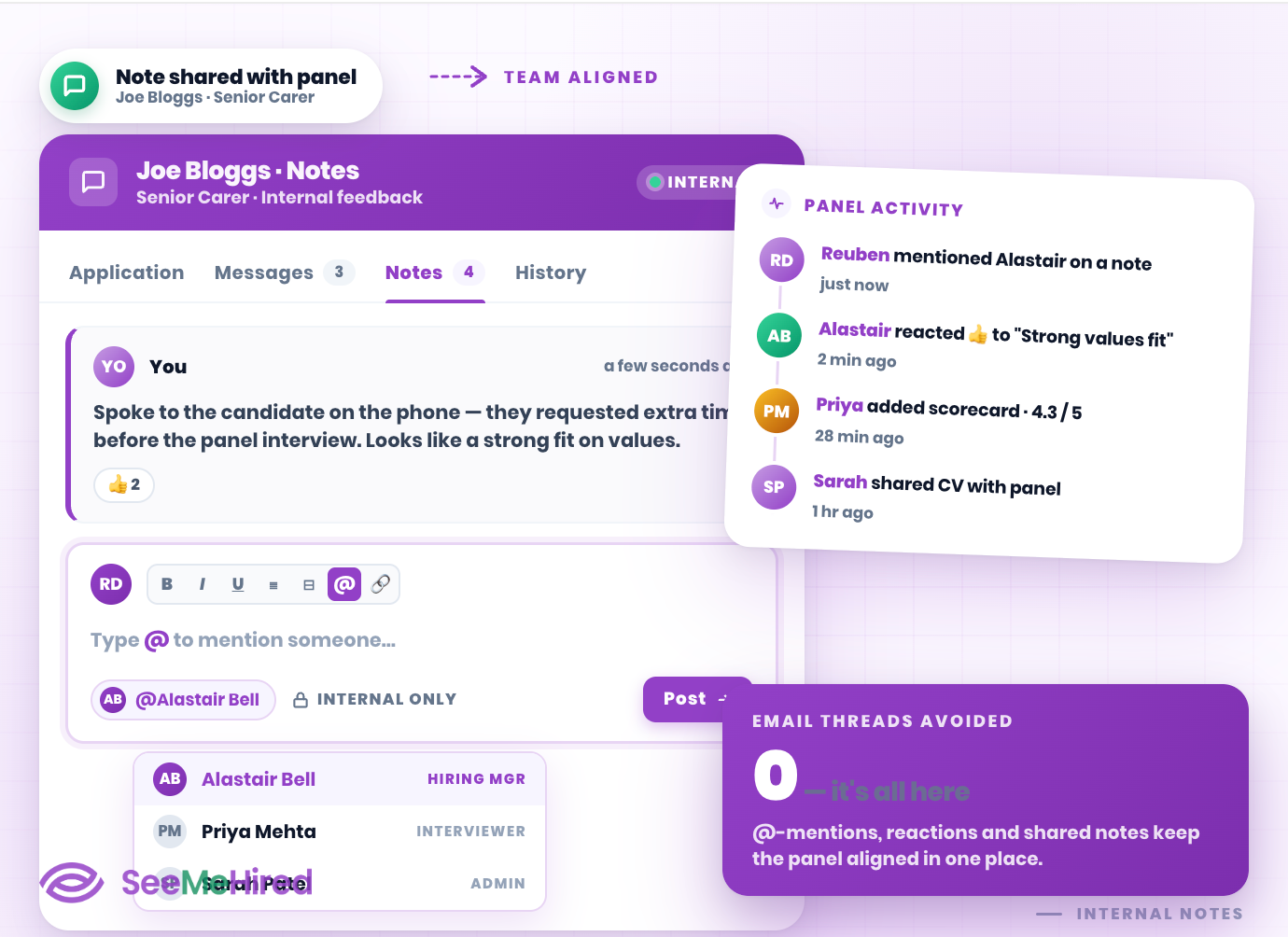
Keep your entire hiring panel perfectly aligned. Your team can easily leave internal notes directly on a candidate's profile, providing instant context for colleagues and reducing the need for endless email threads.
Centralised feedback ensures that your collaborative hiring decisions are always backed by shared, transparent insights.
Flexible System Administration
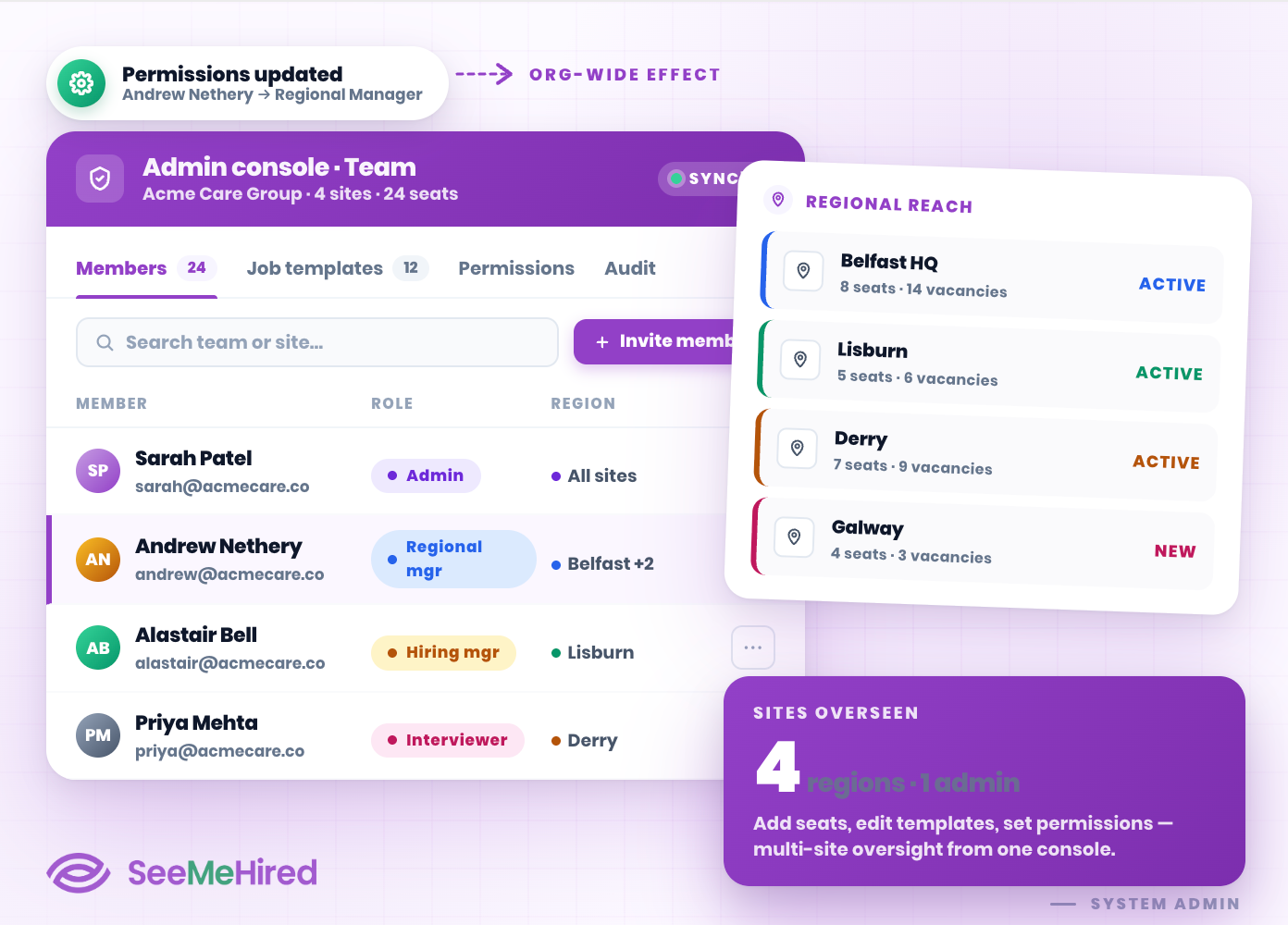
Maintain complete oversight of your recruitment ecosystem. System Administrators have full control to add new team members, edit job templates, and adjust permissions at any time. For larger organisations,
Regional Manager settings allow admins to oversee specific locations, keeping complex, multi-site operations perfectly organised and compliant.