Customisable forms
Unlock the power of streamlined data collection with SeeMeHired's Customisable Forms feature, where gathering essential candidate information is as effortless as it is efficient. Say goodbye to manual data entry and hello to a seamless, intuitive form-building experience that empowers you to collect precisely the information you need, when you need it.
Let's Talk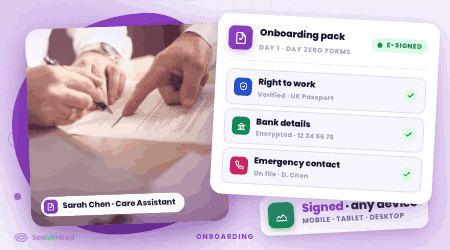
Dynamic Form Builder
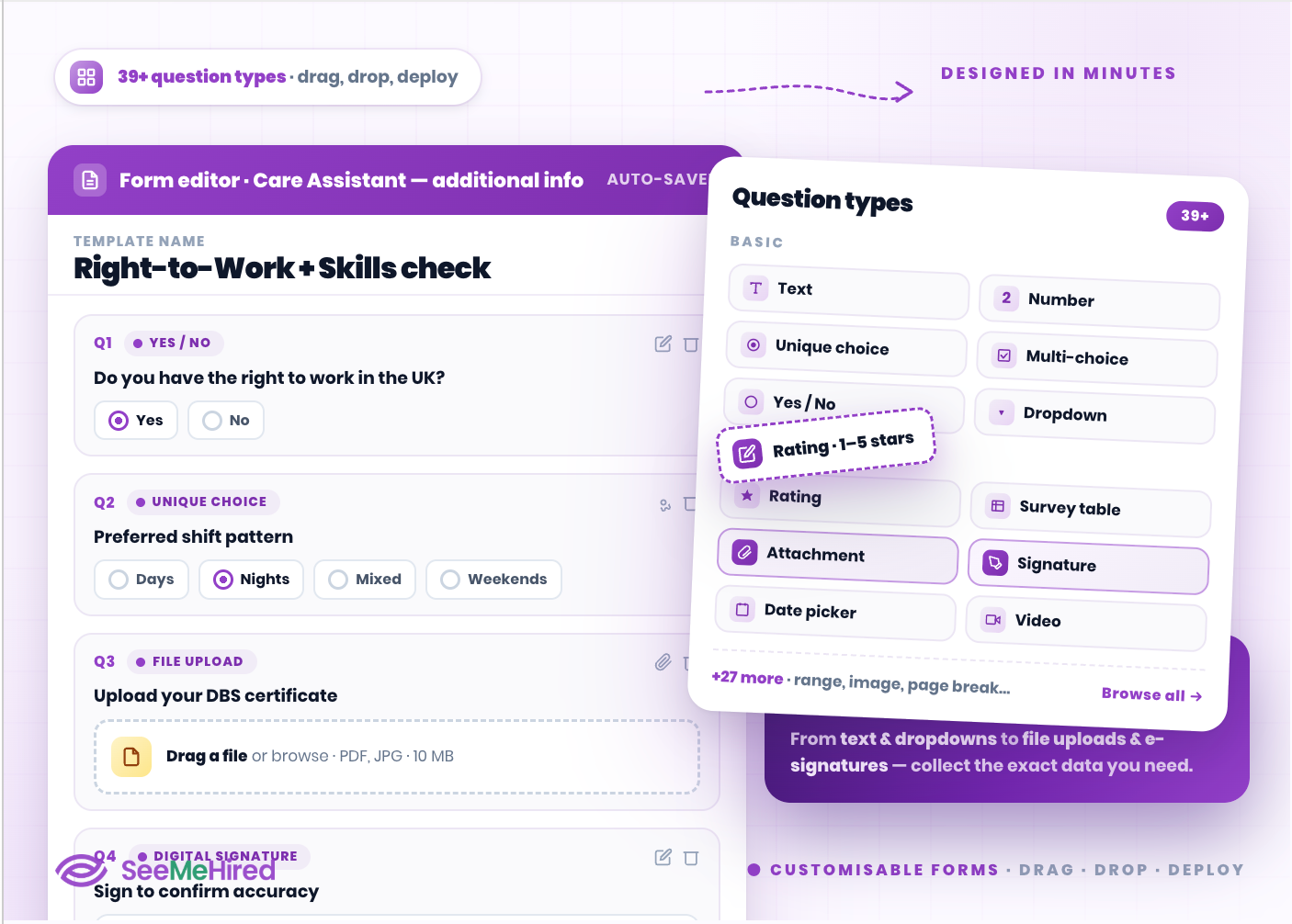
With over 39 dynamic question types, from text fields and dropdowns to file uploads and digital signatures, our Customisable Forms allow you to collect the exact information you need.
Effortlessly drag and drop pre-built options to create a seamless, candidate-friendly data collection process.
Smart Conditional Logic
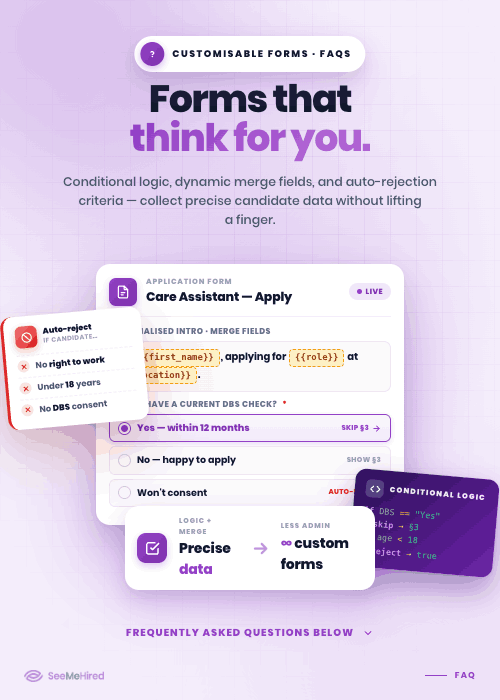
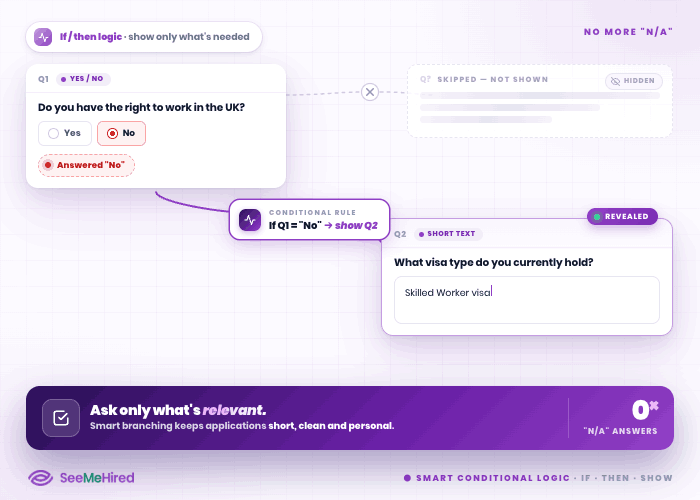
Keep your application process clean and relevant. Built-in conditional logic allows you to display follow-up questions only when specific answers are selected.
This eliminates unnecessary clutter, prevents candidates from typing 'N/A', and ensures you gather deep insights without compromising the user experience.
Automated Candidate Filtering
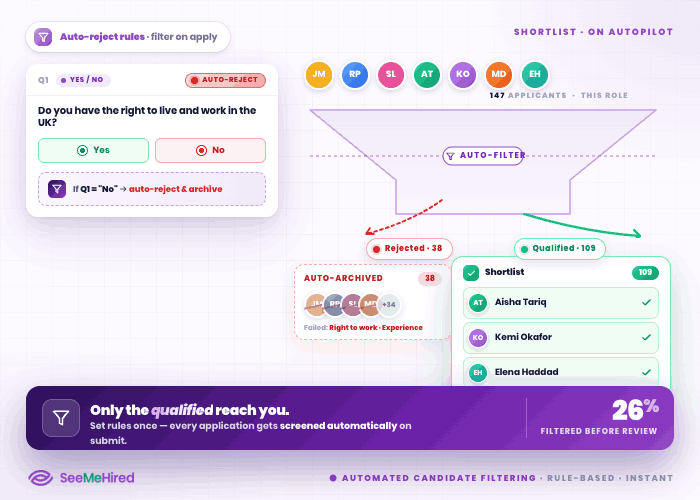
Save your hiring team countless hours of manual screening. You can configure customisable forms to include automated rejection triggers based on specific candidate answers.
Instantly filter out applicants who do not meet your mandatory criteria, ensuring only the most qualified talent reaches your shortlist.
Dynamic Merge Fields
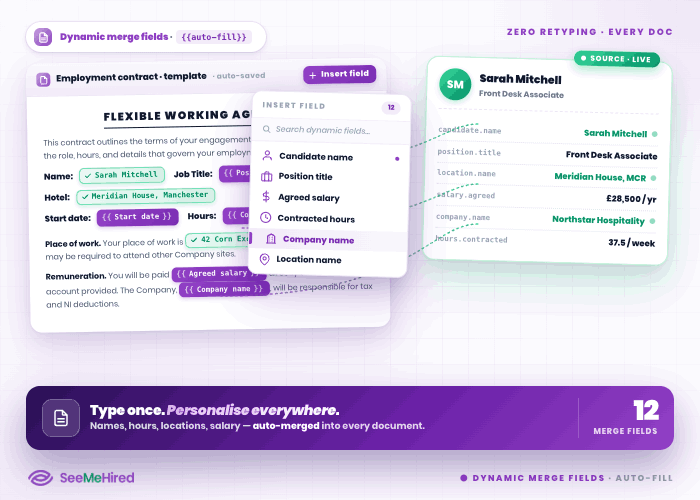
Eliminate repetitive data entry. Our platform features smart dynamic merge fields that automatically populate documents with known candidate details, such as names, company names, and locations.
This accelerates form completion, reduces administrative errors, and delivers a highly personalised experience for every applicant.
Seamless Onboarding Integration
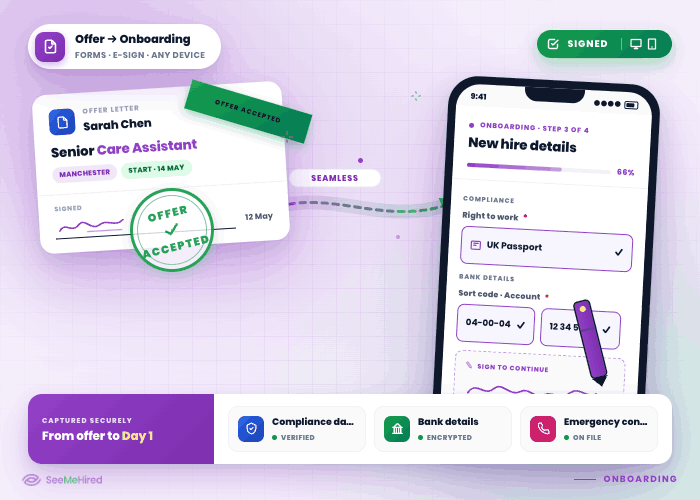
Transition smoothly from offer to new hire. Customisable forms seamlessly integrate into your digital onboarding packs, allowing you to securely collect essential compliance data, bank details, and emergency contacts.
Candidates can digitally sign documents from any device, completely modernising your HR paperwork.
Easy Template Management
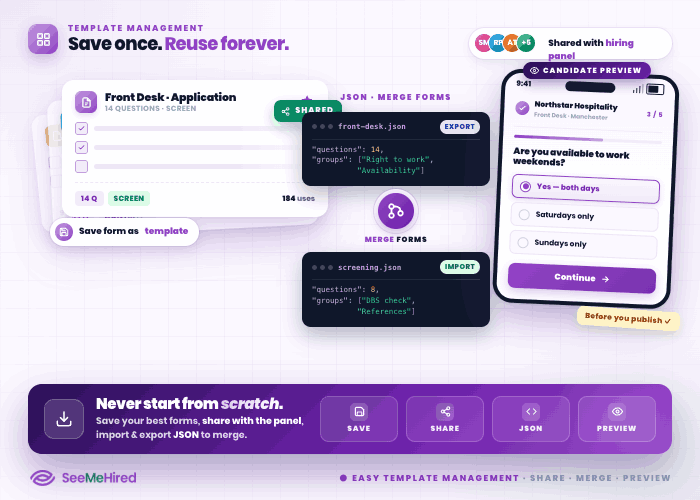
Never start from scratch again. You can save your most effective forms as templates, share them across your hiring panel, or quickly import and export questions using JSON files to merge different forms together.
Easily preview your creations from the candidate's perspective before hitting publish.