Job templates
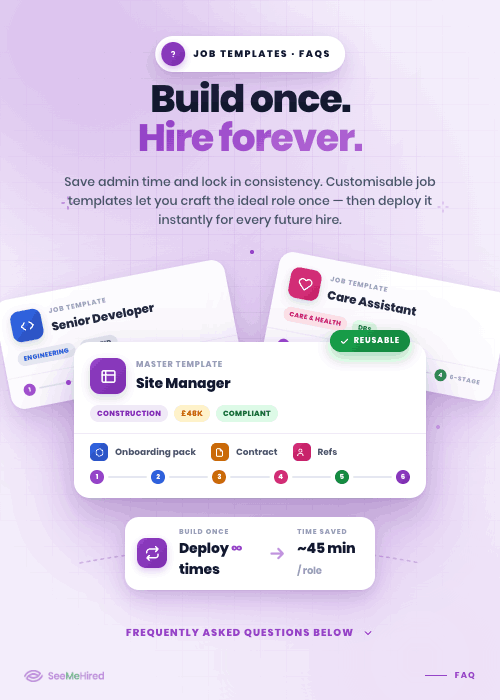
Welcome to the future of streamlined recruitment with SeeMeHired's revolutionary Job Templates feature. Say goodbye to repetitive setup tasks and hello to effortless job posting with our meticulously crafted templates designed to simplify your hiring process.
Let's Talk
Eliminate Repetitive Typing
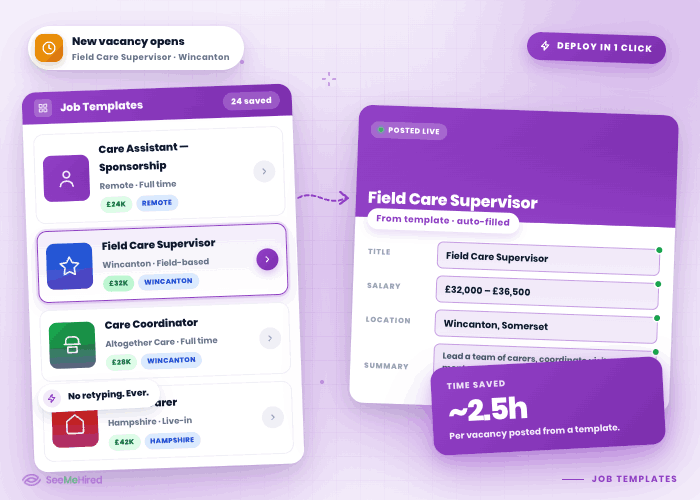
Stop building identical job adverts from scratch. SeeMeHired allows you to create comprehensive Job Templates that store your most frequently used role descriptions, requirements, and salaries.
When a new vacancy opens, your team can instantly deploy a pre-filled template to save hours of administrative typing.
Customisable Hiring Workflows
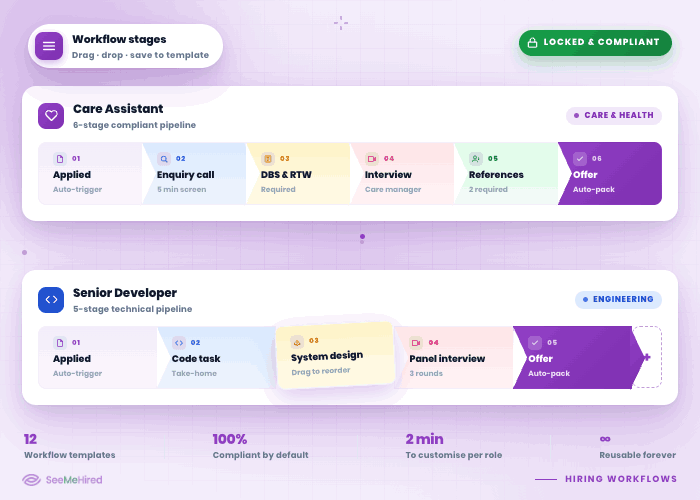
Tailor the recruitment journey to the role.
Job Templates don't just save text; they securely lock in your preferred candidate workflow stages from initial application to shortlisting and final offer, ensuring a structured, compliant hiring process every single time.
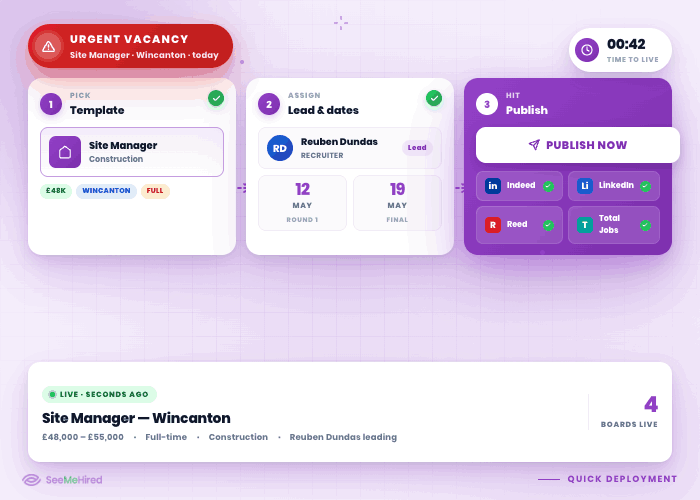
Quick Role Deployment
React to staffing needs instantly. When an urgent position arises, simply select your preset template, assign a lead recruiter, adjust the final interview dates, and hit publish.
Your comprehensive, fully-formatted job advert will be live across your chosen networks in seconds.
Seamless Onboarding Integration
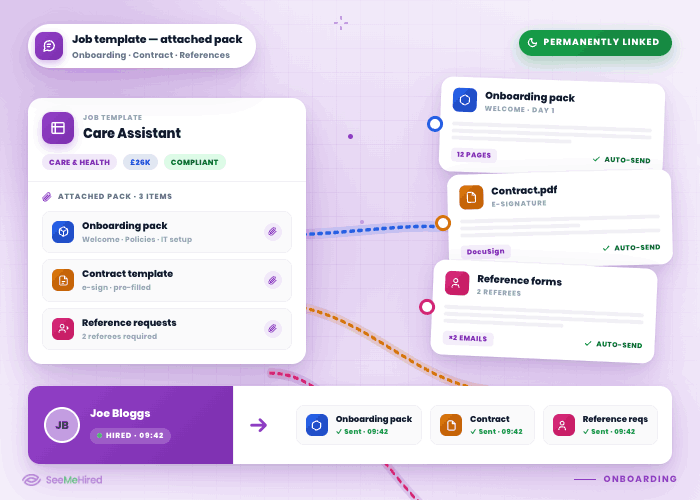
Connect the end-to-end journey seamlessly. You can permanently attach specific digital onboarding packs, contract templates, and reference request requirements directly to your job templates.
This ensures that successful candidates automatically receive the correct digital paperwork the moment they are hired.